Our Location
304 North Cardinal St.
Dorchester Center, MA 02124


The WordPress error log location isn't always where you expect it. Here's where to find it across different hosting environments, and how to stop hunting for it entirely.
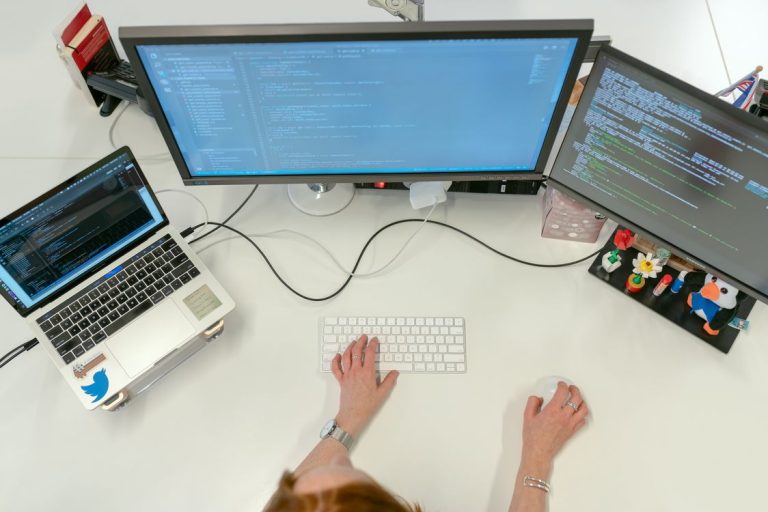
Enabling WordPress debugging captures PHP errors silently in a log file. Here's the exact configuration that's safe for production, and how to read the log without server access.
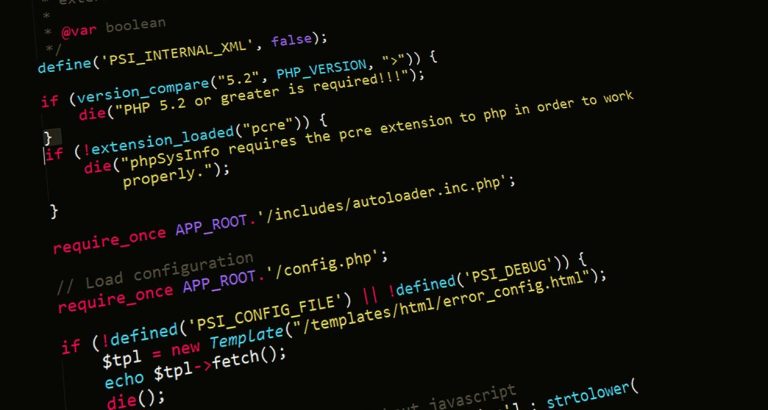
SCRIPT_DEBUG forces WordPress to load unminified scripts, making JavaScript errors readable. Here's exactly what it does, when to use it, and how to toggle it without editing wp-config.php.

Most WordPress debugging can be done entirely from the dashboard. Here are the practical techniques for diagnosing errors without FTP or server access.

The WordPress error log has all the answers — getting to it is the hard part. Here are every practical method for reading your error logs, including from inside the dashboard.

WP_DEBUG is WordPress's built-in debugging mode — but its related constants are easy to misconfigure. Here's what each one does and the safe way to use them in production.

The WordPress debug log captures PHP errors your site throws silently. Here's what it is, how to enable it, and how to read it without digging through server files.